PocketJS brings modern layout, text, animation, and input to resource-constrained hardware. Build with a compact native engine, then add adaptive components and themes with PocketUI.


Import signals, refs and hooks from solid-js, vue and octane. PocketJS supplies the components and draws them natively: no DOM, no WebView, no browser engine.
import { createSignal, Show } from "solid-js"; import { Text, View } from "@pocketjs/framework/solid/components"; export default function App() { const [count, setCount] = createSignal(0); return ( <View class="w-full h-full flex-col items-center gap-4 p-4 bg-slate-50"> <Text class="text-xl text-slate-950 font-bold">Count: {count()}</Text> <View class="px-4 py-2 rounded-xl shadow-md bg-blue-600 focus:bg-blue-500" focusable onPress={() => setCount(count() + 1)}> <Text class="text-base text-white font-bold">Press Circle</Text> </View> <Show when={count() > 3}> <Text class="text-sm text-emerald-600">Reactive on real hardware.</Text> </Show> </View> ); }
import { ref } from "vue"; import { Text, View } from "@pocketjs/framework/vue-vapor/components"; export default function App() { const count = ref(0); return () => ( <View class="w-full h-full flex-col items-center gap-4 p-4 bg-slate-50"> <Text class="text-xl text-slate-950 font-bold">Count: {count.value}</Text> <View class="px-4 py-2 rounded-xl shadow-md bg-blue-600 focus:bg-blue-500" focusable onPress={() => { count.value++; }}> <Text class="text-base text-white font-bold">Press Circle</Text> </View> {count.value > 3 ? ( <Text class="text-sm text-emerald-600">Reactive on real hardware.</Text> ) : null} </View> ); }
import { useState } from "octane"; import { Text, View } from "@pocketjs/framework/octane/components"; export default function App() { const [count, setCount] = useState(0); return ( <View class="w-full h-full flex-col items-center gap-4 p-4 bg-slate-50"> <Text class="text-xl text-slate-950 font-bold">{`Count: ${count}`}</Text> <View class="px-4 py-2 rounded-xl shadow-md bg-blue-600 focus:bg-blue-500" focusable onPress={() => setCount(count + 1)}> <Text class="text-base text-white font-bold">Press Circle</Text> </View> {count > 3 ? ( <Text class="text-sm text-emerald-600">Reactive on real hardware.</Text> ) : null} </View> ); }
Time to produce a frame on a Sony PSP: one MIPS core at 333 MHz.
Bars span the 16.7 ms a frame gets at 60 fps. Seven samples per framework.
With no browser engine underneath, your app, its layout and its drawing share one thread on one core. Here is what that costs on a 2004 handheld.
A complete animated PocketJS app runs in 8 MB on one 333 MHz core: 1/1536 of the phone's memory, on a core clocked 13 times lower.

A complete animated app: a quarter of the PSP's 32 MB.

Smooth on a single 333 MHz core from 2004.

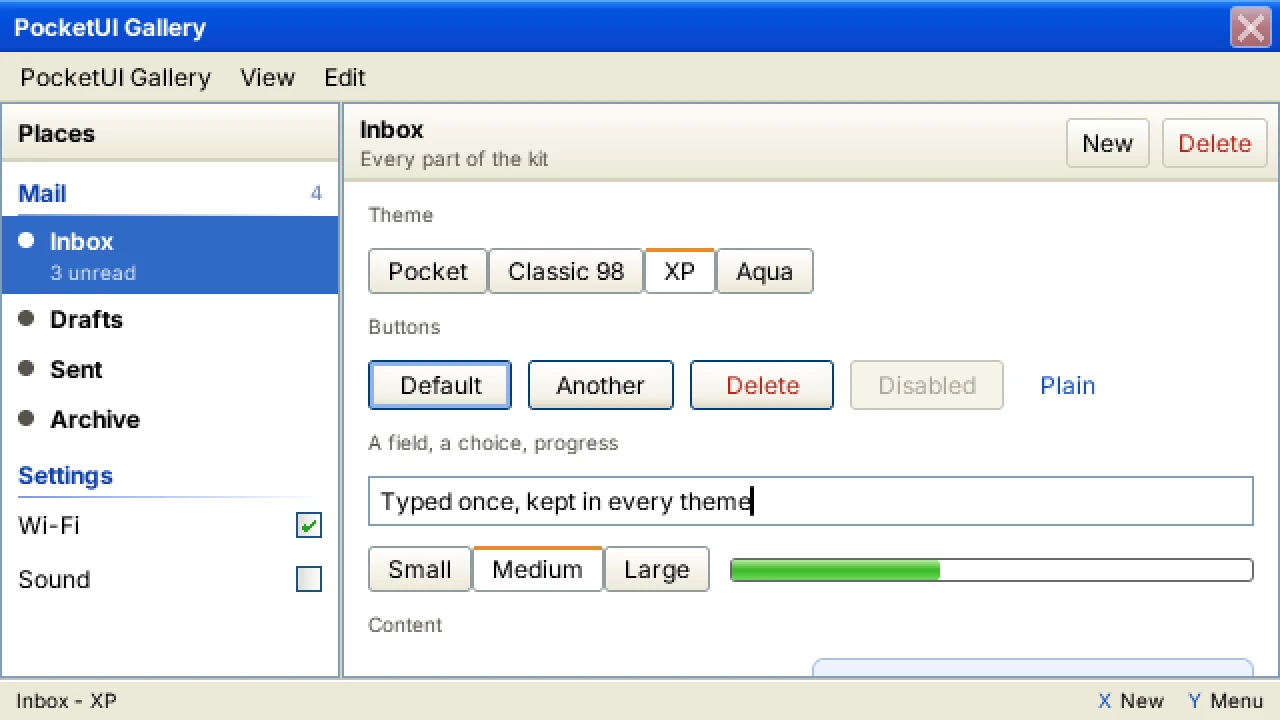
The whole PocketUI gallery app, as a minified bundle.
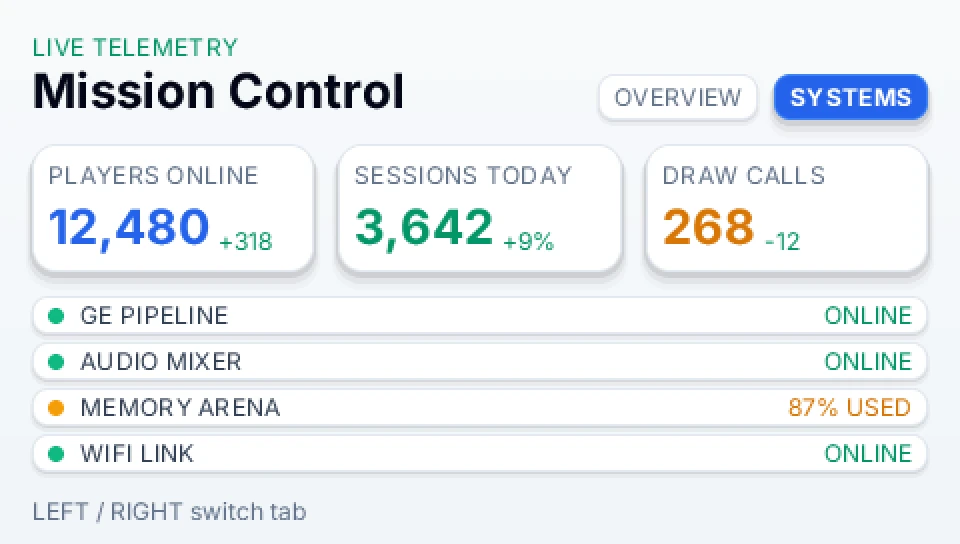
On top of that engine: the layout, type, motion and input people know from their phones.
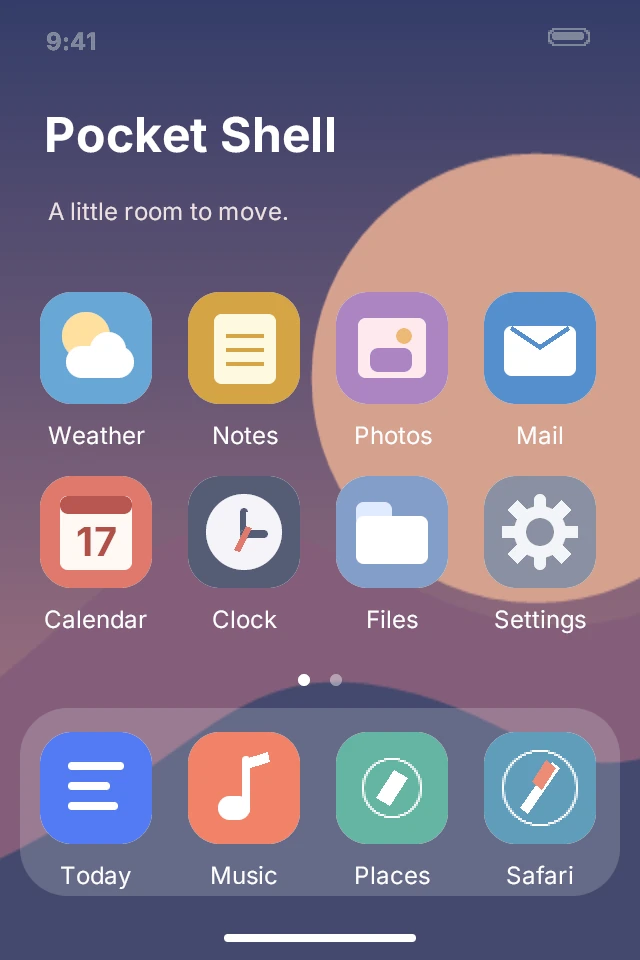
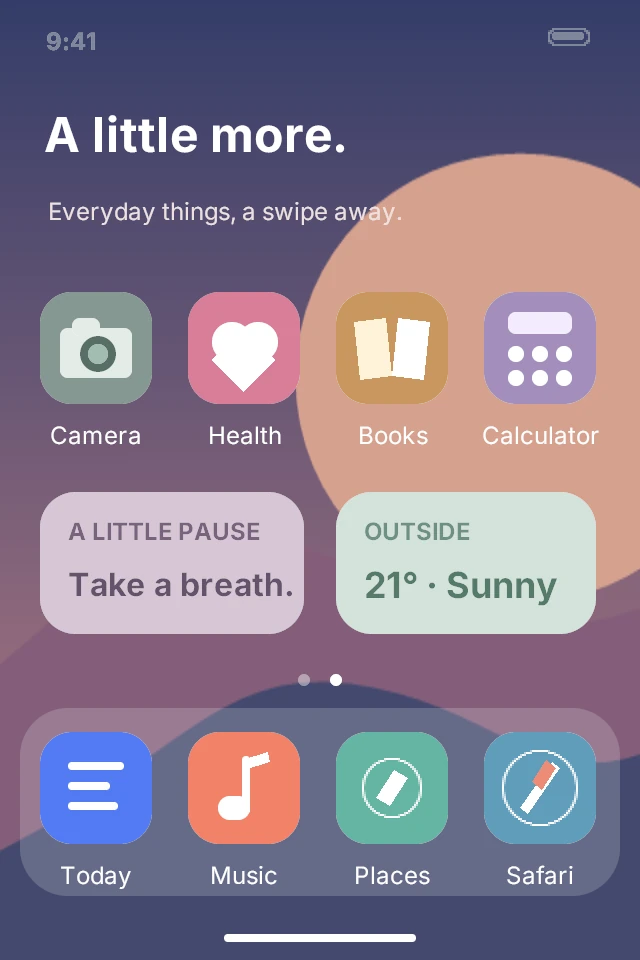
Rows, columns, gaps, rounded corners and shadows, written as classes you already know. The same app fills a tall touch screen and a wide tablet panel.


Latin, Chinese and Japanese, crisp at small sizes. Lists, transcripts and editors read the way they do on a phone.

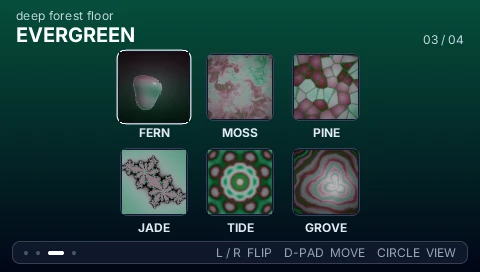
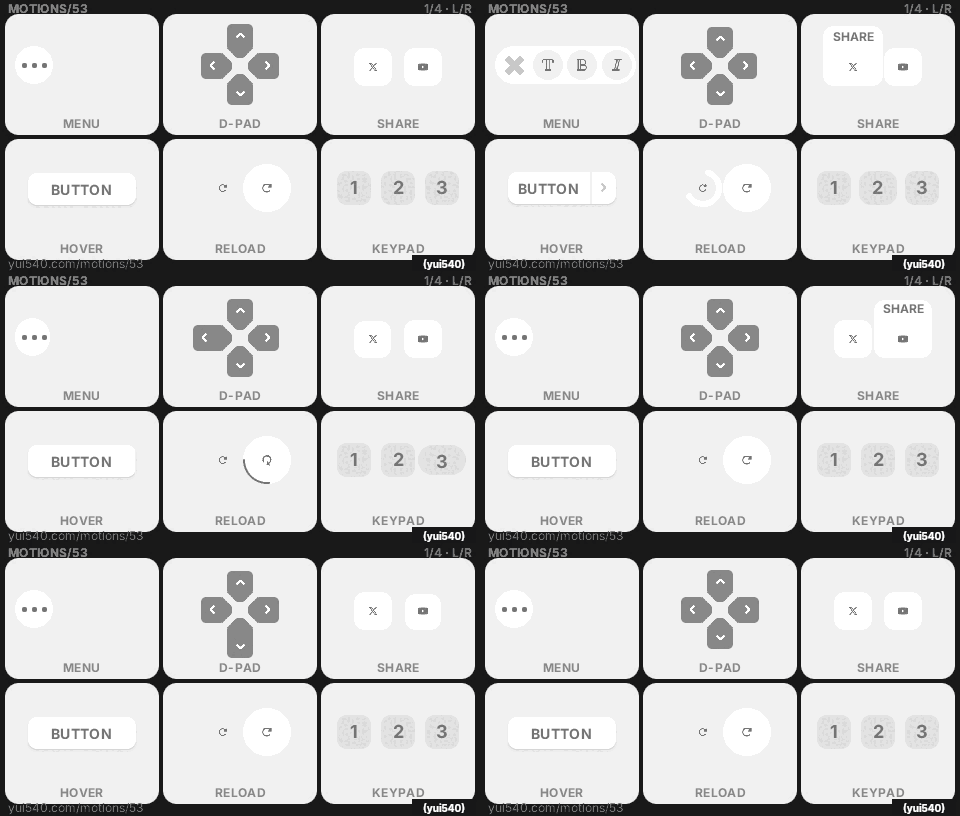
Motion compiles at build time and runs inside the native engine, with no JavaScript per frame, so it stays smooth while your app is busy.

Motion studies by yui540, ported with permission (yui540).
Tap, swipe, scroll, type, or move focus with a d-pad. One app answers whichever input the device has.
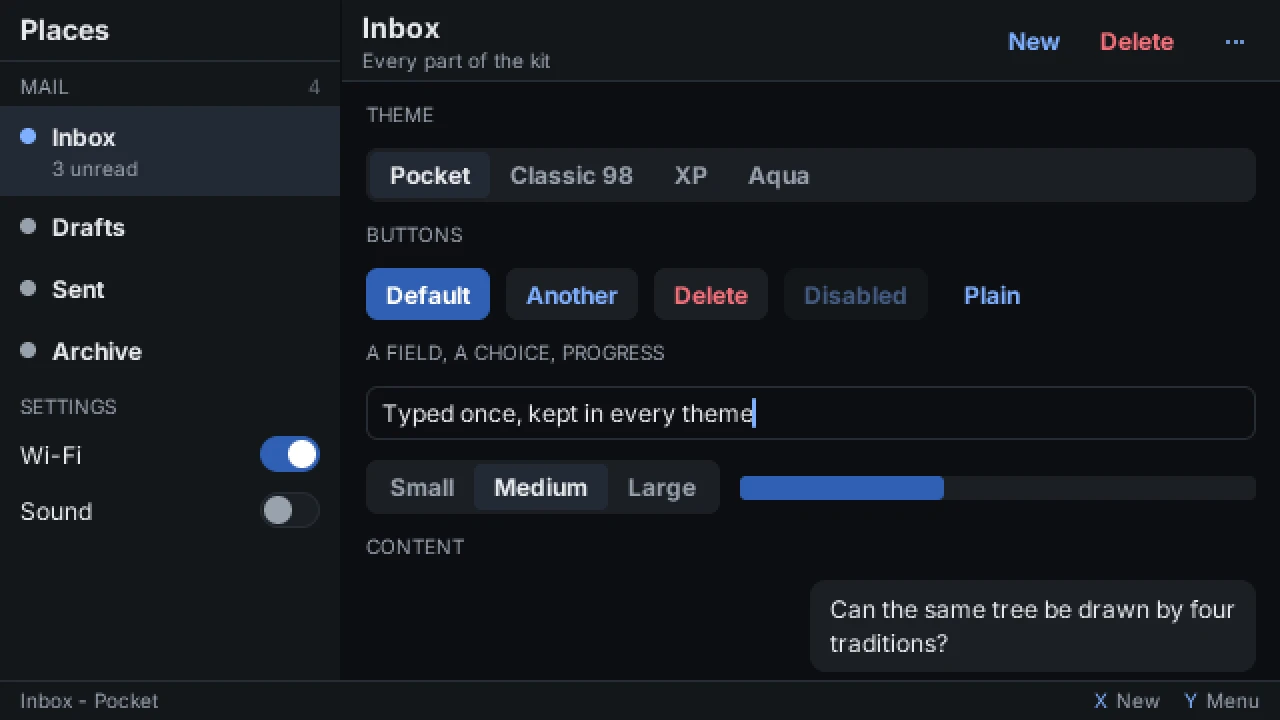
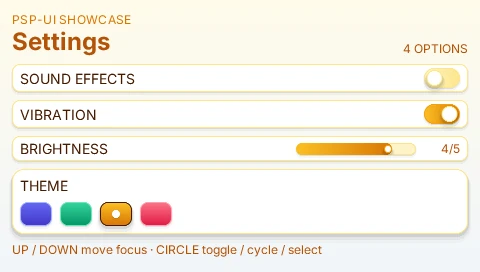
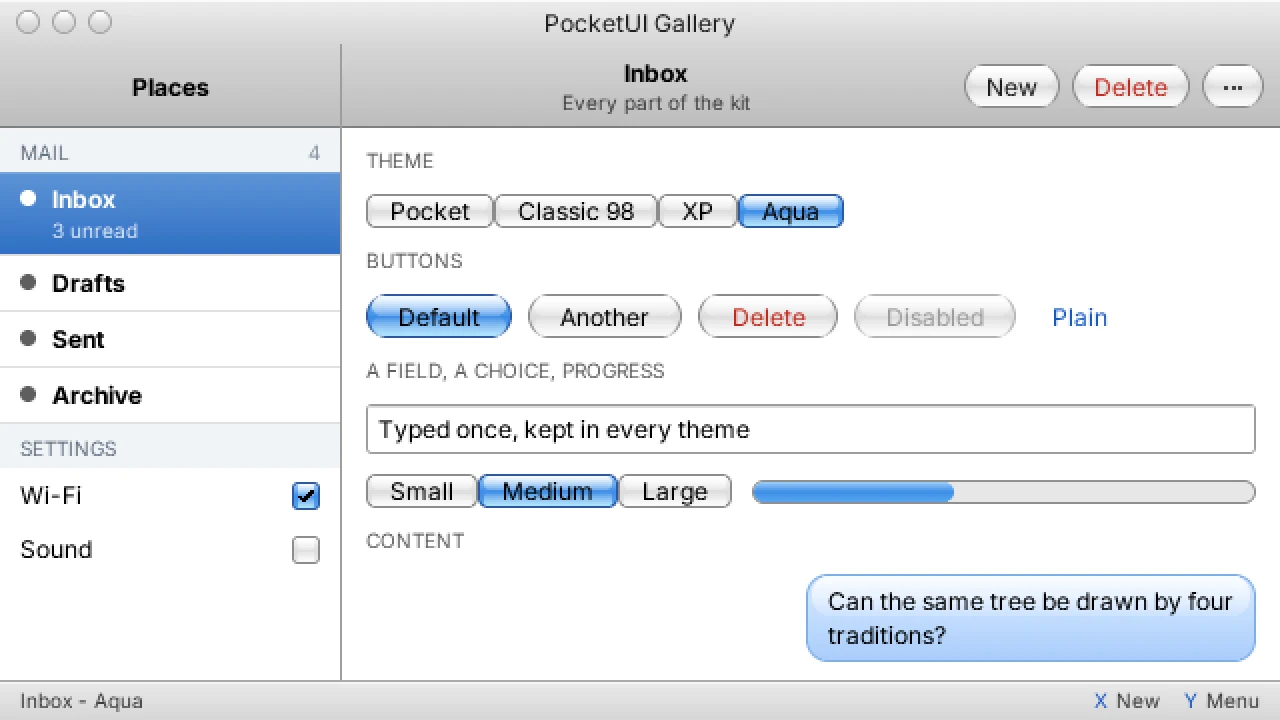
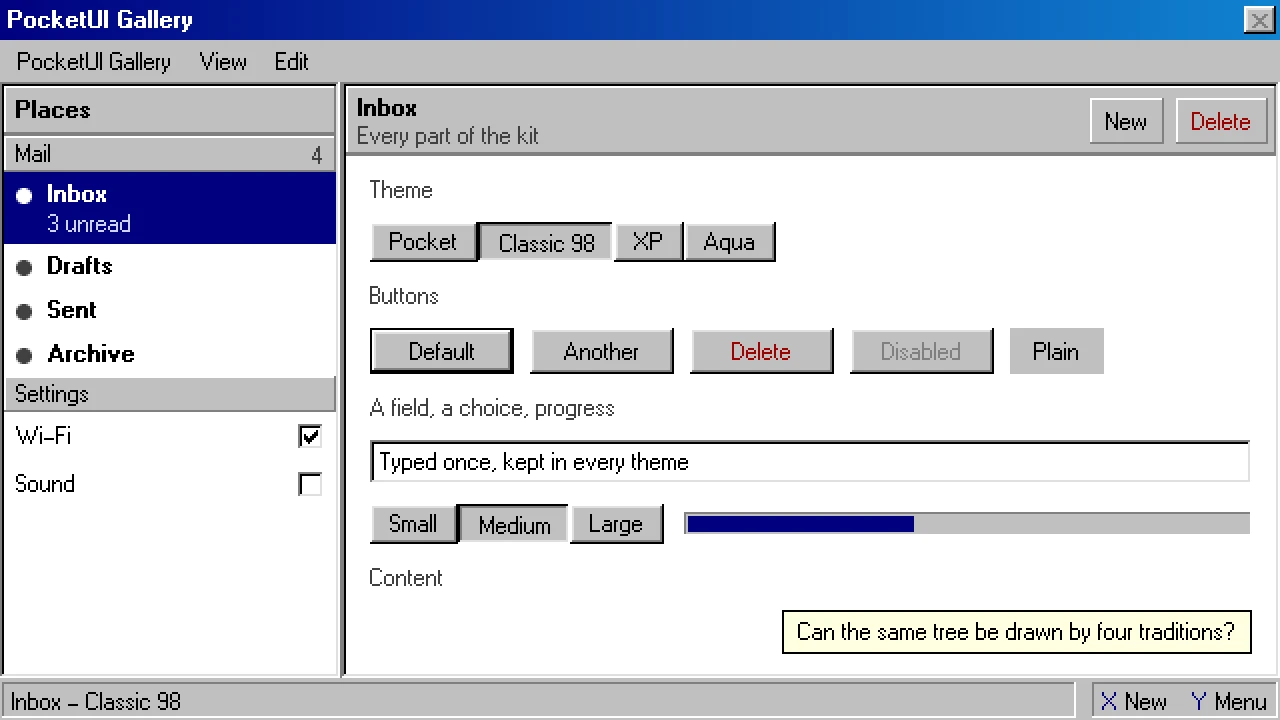
PocketUI gives a Solid app panes, feeds, menus, forms and a full text editor. Each part adapts to the screen and its controls, and a theme restyles the whole app while it runs: your typing, scroll position and focus stay put.
import { mountPocketUI } from "@pocketjs/framework/ui";
The engine is the same everywhere. A small adapter connects it to each device's screen and controls.

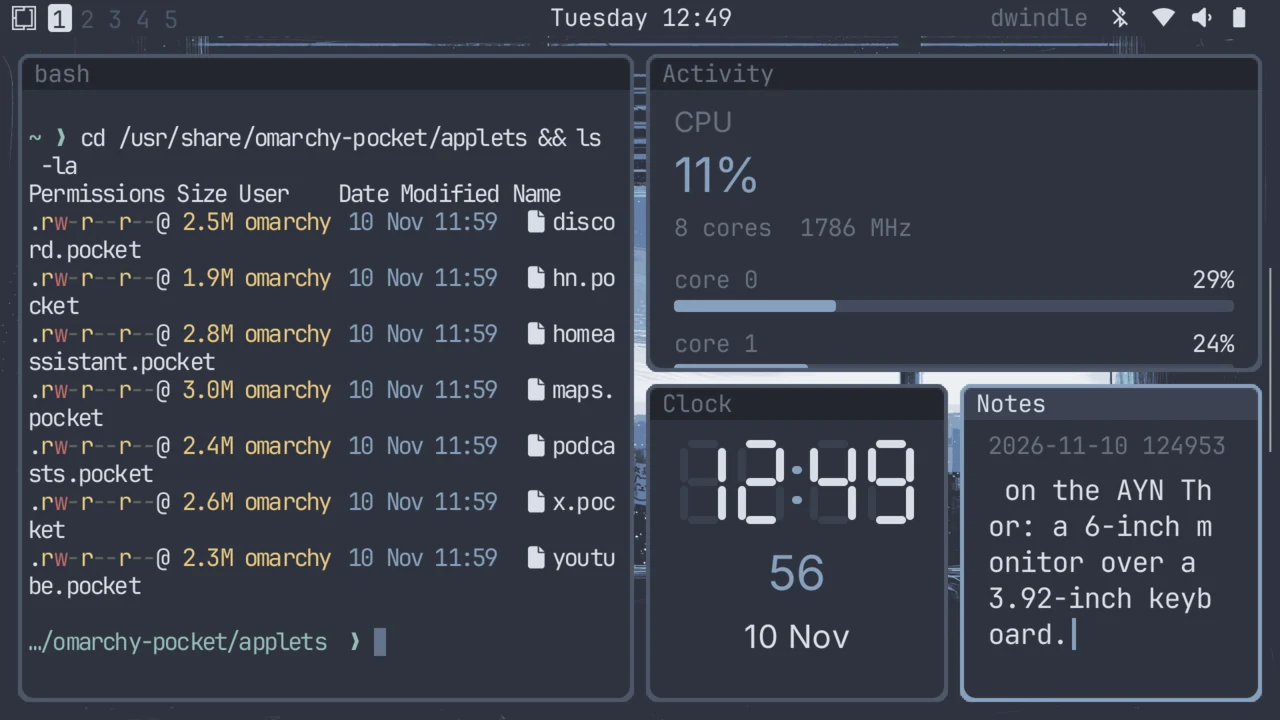
A complete desktop shell on dual-screen handhelds: terminals, tiled windows, an on-screen keyboard and applets. Captured on an AYN Thor.

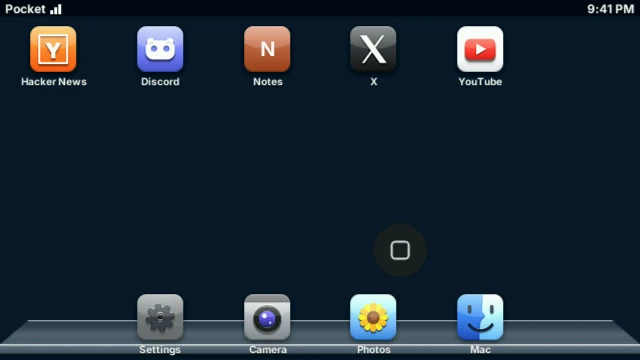
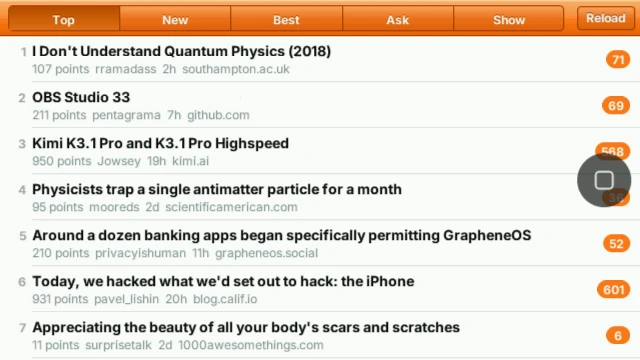
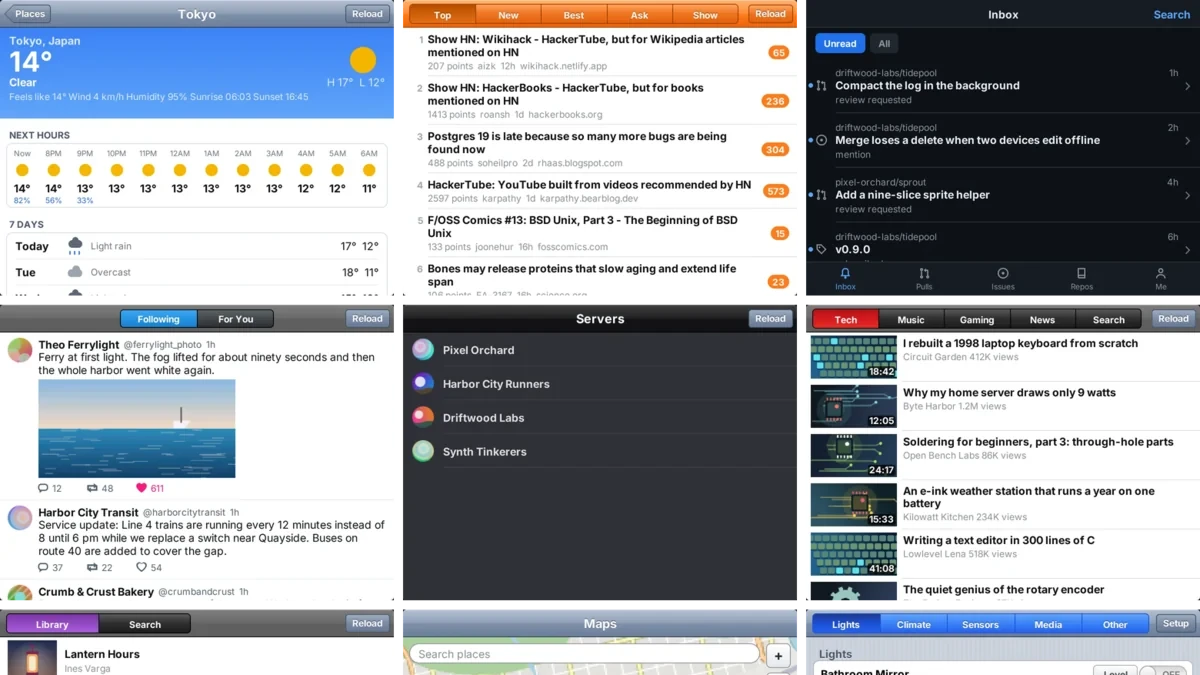
Weather, Hacker News, GitHub, Home Assistant and more: one source, many devices.

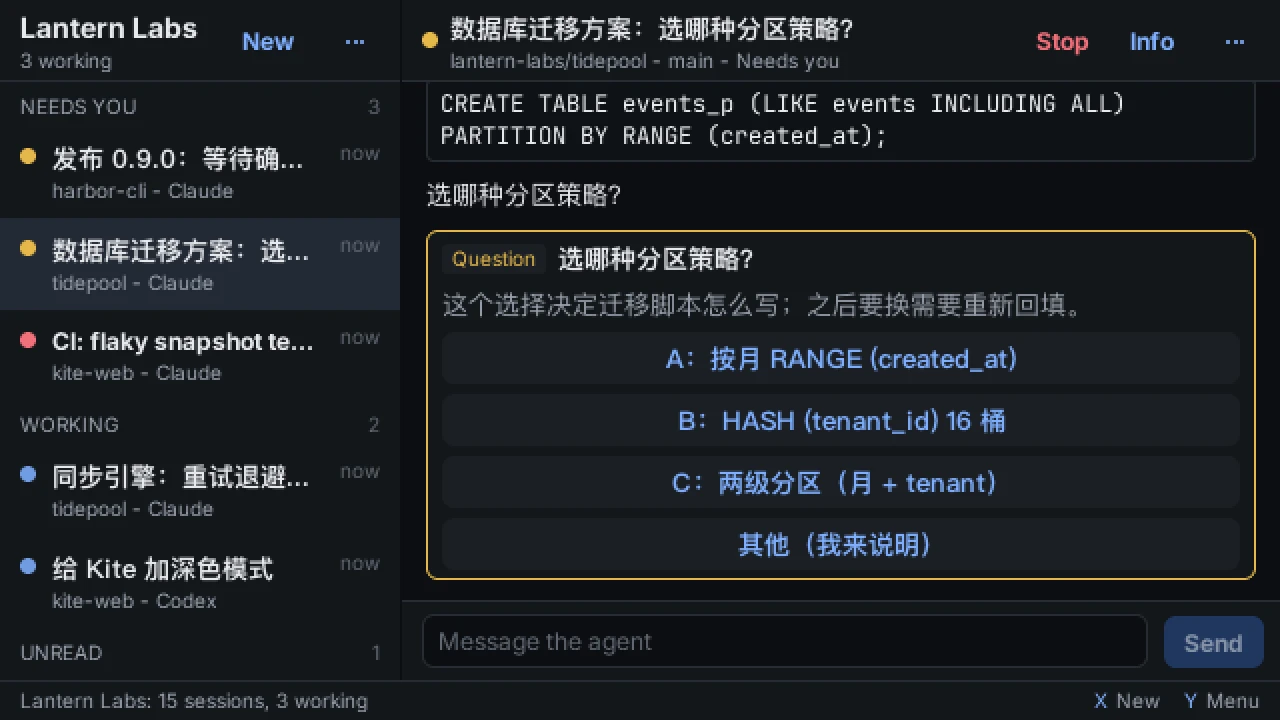
Coding-agent sessions on a handheld, built on PocketUI.
Level, radio, calculator and system tools on the CardputerZero.

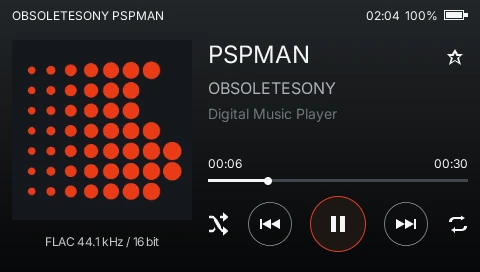
A Walkman-style music player for the PSP, by ObsoleteSony.
About PocketJS and the things being made with it.
Obsolete Sony@ObsoleteSony
PSPMAN went from being built with PocketJS to helping uncover edge cases that make PocketJS better for everyone. Love to see it.
Charlie@chardidathing
love the work PocketJS are doing, I think lowering the bar of entry for development on these devices is sick!
Evan You@evanyou
Full circle moment 🫡
Planète Vita@PlaneteVITA
We should talk about your awesome project on our website.
pewtergui@jasjamjos
Crazy! the possibilities are endless for pre-2010 multiplayer games
catto@catto34_
I love what you guys are doing
PabloW@pablowasserman
I love this. Old hardware, new software.
Me encanta esto. Hardware viejo, software nuevo.
Wang Jack@WangJack845358
This project really is a miracle!!
这个项目的确是个奇迹!!
Buto@ChibiButo
Impressive!
J.R. DeJesus@Jok3r0314
Awesome!!!!
TJ (thaddeus jiang)@ThaddeusJiang
I've been following it for a while, and I'm sure PocketJS is the JS project I've been most excited about since Bun.
看了有一段时间了,我确定 PocketJS 是近几年 bun 之后我最期待的 JS 项目。
Eric Xu (e/Mettā)@xleaps

Yes, I could see the potential from the first glance. The combination of technologies makes a lot of sense, too.

Yes, 从第一眼看到就感受到这是个很有潜力的项目,技术栈的组合也非常合理。
Connor/코너/コナー@OreXda
How so smooooth
César@CesarTejeda92
640Kb ought to be enough for anybody. /s
Audiofile@weareaudiofile
A PSP helping improve CJK text loading in 2026. I love that.
Navy@NavyBarca
Insane, people like you used to rule the gaming industry
Dak@dakdevs
Just saw @ewind_dev present this at the SF meetup. Everyone in the room was floored. Then he brought out something even more fascinating 👀👀
Sponsors let us work on PocketJS full-time. Help bring more ideas to more screens.
Become a sponsorSolid, Vue Vapor or Octane. Scaffold a project, build it, and put it on a device.
$ bun add -g @pocketjs/cli $ pocket create my-app $ cd my-app && bun install $ bun run build